Astralis Assessments
Astralis Assessments produces privacy and AI governance assessments, such as Data Protection Impact Assessments (DPIAs), transfer impact assessments and Fundamental Rights Impact Assessments (FRIAs). It builds each assessment from your data map and from interviews with the people who own each processing activity.
Astralis Assessments is an alpha feature for Astralis Enterprise, turned on with the alphaAssessmentsV2 feature flag. To join the preview, talk to our solutions team (opens in a new tab).
Each assessment type has an assessment plan. The plan says when the assessment is required, what it covers, who approves it and how long each stage can take. Astralis drafts each plan from the legal text, and your team reviews and publishes it. After a plan is published, Astralis checks your processing activities against it, asks only for what the data map doesn't record, and drafts each answer with citations to its evidence.
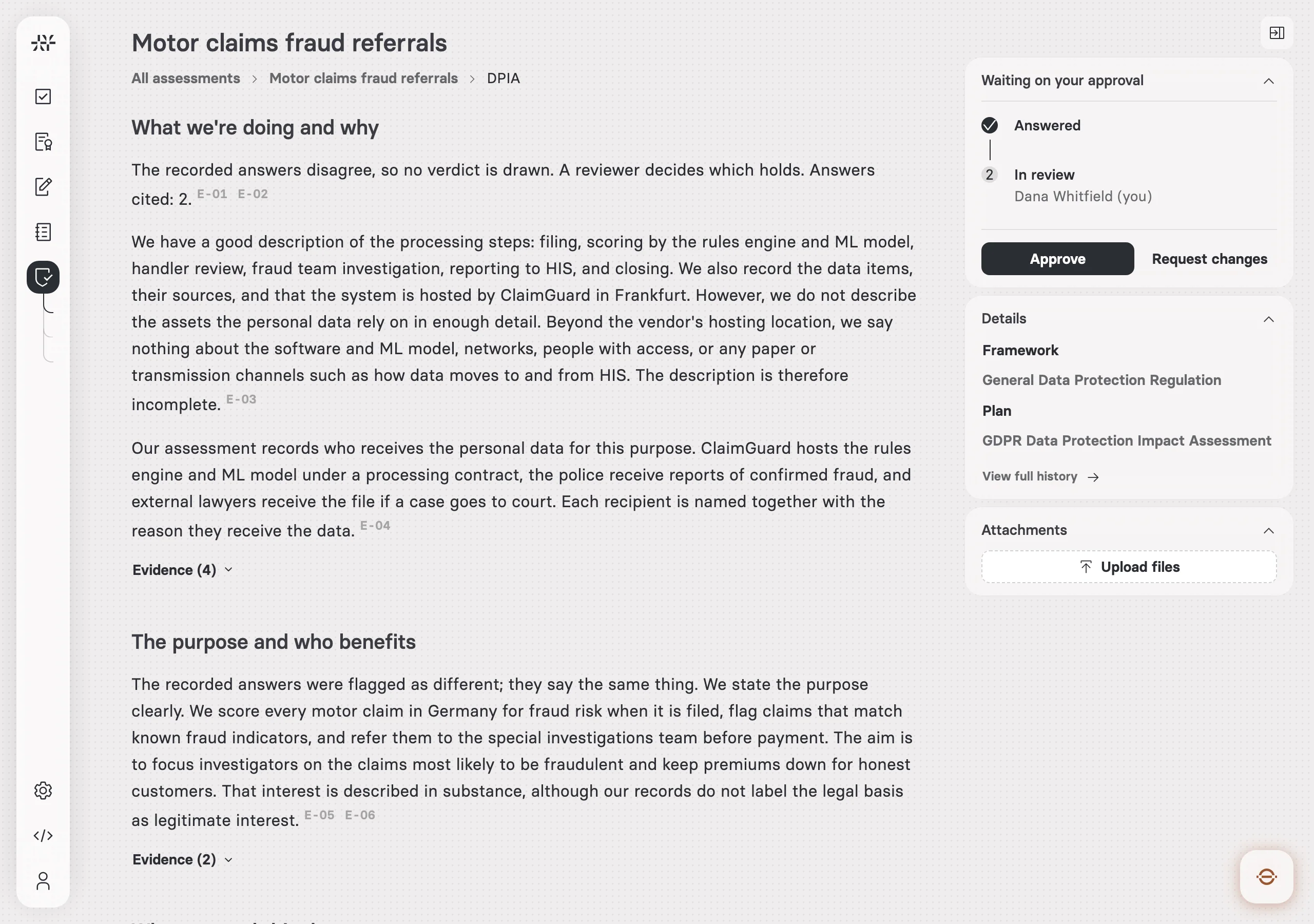
Workflow
- Publish plans. Review the plan Astralis drafted for each assessment type you need, set its approvers and timeframe, and publish it.
- Screen. Astralis checks processing activities against each published plan's criteria when a plan is published, when an activity changes, and when someone starts an assessment. It opens a draft for each plan that applies.
- Interview. Astralis asks the activity's data stewards for the information it still needs, in a Slack or Microsoft Teams channel thread.
- Draft. Astralis drafts each section with citations, identifies risks and sends the assessment for review.
- Approve. The plan's approvers review the draft, manage its risks, and approve it or send it back. When every approver has approved, the assessment is locked.
- Re-evaluate. Each plan sets how often its assessments are re-evaluated, for example every 12 months, and on any material change to the processing.
Find Astralis Assessments in the app
The pages are under Risk in the navigation:
| Page | Shows |
|---|---|
| All assessments | Every assessment with its status, who it is waiting on and its due date, and the Start assessment button |
| Assessment plans | Every plan with its framework, version and status |
| Overview | Open assessments, assessments waiting on your sign-off, and how many required plans are published for each framework that applies to you. Needs the alphaAssessmentsOverview flag. While it is off, Risk opens on All assessments. |
Related pages
- How Astralis Assessments work: processes, plans, screening, interviews, evidence and versions
- Managing processes: the processes Astralis assesses, their stewards and their assessments
- Setting up assessment plans: review, edit and publish plans
- Starting assessments: start an assessment in Astralis, from chat, or automatically
- Answering interviews: what data stewards see during an interview
- Reviewing and approving assessments: read a draft, check its evidence and approve it
- Managing risks: rate, add and dismiss risks
- Connecting Slack: run interviews in Slack
- Connecting Microsoft Teams: run interviews in Teams with a single-tenant Azure Bot
- Frameworks and assessment types: the frameworks and assessment types Astralis includes
- Statuses, roles and permissions: statuses and who can do what
- Configuration reference: feature flags, model settings and automatic interviews