Identity Providers
Identity provider (IDP) monitors connect to your organization's identity platform to discover registered applications. Each discovered application appears in the Action Center for review, where you can evaluate whether it should be added to your data map.
Review results
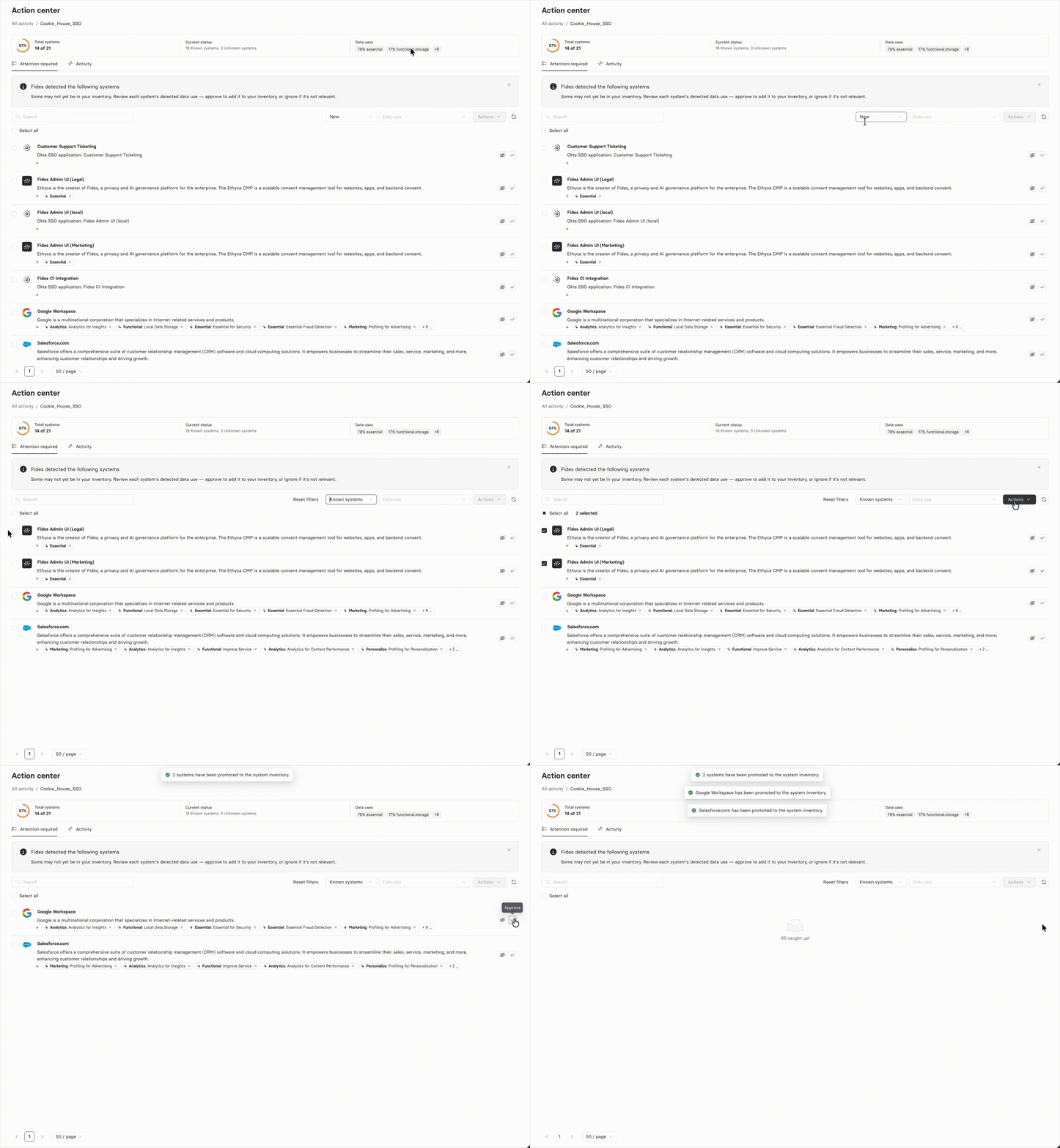
After a scan completes, discovered applications appear in the Action Center under the monitor that detected them. Use the following filters to triage results:
- New: Applications discovered for the first time that are not yet in your data map.
- Known systems: Applications that match a known vendor in the Astralis dictionary.
- Unknown systems: Applications that could not be matched to a known vendor in the Astralis dictionary. Unknown systems use an LLM-generated description.
- Ignored: Applications that have been previously ignored.
- Data use: Filter by the processing activities assigned to discovered applications.
Take action on results
The Action Center provides several actions for managing discovered applications:
- Approve: Convert a discovered application into a System in your data map. Astralis creates the System with the vendor information and data uses assigned during discovery.
- Ignore: Ignore an application you don't need to track. Ignored applications are hidden from the default Action Center view.
- Restore: Restore a previously ignored application to the active results.
- Edit data uses: Update the data uses assigned to a discovered application before promoting it.
- Bulk actions: Select multiple applications to add, ignore, or restore in a single operation.