Secrets managers
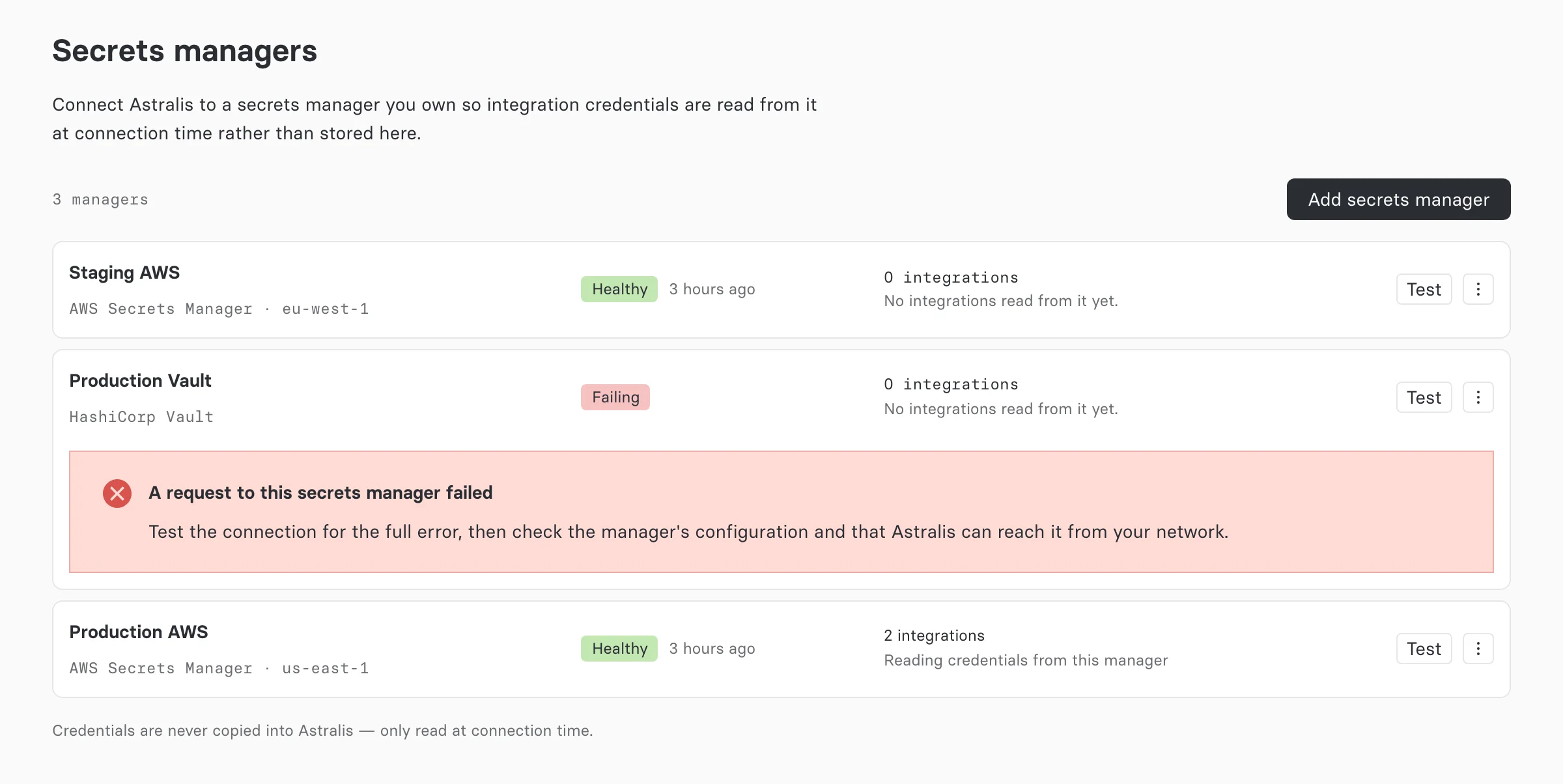
A secrets manager integration lets Astralis read an integration's credentials from your own AWS Secrets Manager or HashiCorp Vault each time it connects, instead of storing them in Astralis.
Secrets manager integrations are part of Astralis Enterprise.
Your credentials stay in the system you already use to store, audit, and rotate them. Astralis keeps only a reference to each secret, fetches the value when an integration connects, and holds it in memory for a short time. Rotate a credential in your manager and Astralis picks up the new value without anyone editing the integration.
How it works
Two objects make up the feature:
| Object | Where it lives | What it holds |
|---|---|---|
| Secrets manager | Settings → Secrets managers | How Astralis authenticates to your manager: an AWS role to assume, or a Vault AppRole. One organization can have any number of managers. |
| Reference | On each integration | Which secret to read: an AWS secret name or ARN, or a path under the Vault mount. No manager credentials. |
When an integration connects, Astralis authenticates to the manager, reads the secret the reference names, checks that it holds every key the integration needs, and builds the connection from it. The value is cached in memory for 15 minutes. If the manager becomes unreachable, Astralis keeps using the last value it read for up to 30 more minutes, then stops connecting until the manager is back. The behavior reference covers the exact rules.
What Astralis stores
Stored in Astralis
- The manager's connection details: AWS region and role ARN, or Vault address, mount, and AppRole role ID
- The AppRole secret ID, encrypted, for Vault managers
- The ExternalId Astralis generates for each AWS manager
- Each integration's reference and the settings Astralis owns for that integration type
Never stored in Astralis
- Any value read from your manager
- The Vault token, which lives only in memory
- Credentials for an integration that reads from a manager
When you point an integration at a manager, Astralis erases any credentials it had stored for that integration. Switching back to credentials entered in Astralis leaves the integration with none until you enter them again.
Supported managers
| Manager | How Astralis authenticates | Secret format |
|---|---|---|
| AWS Secrets Manager | Assumes an IAM role in your account, using an ExternalId that Astralis generates | A JSON object stored as the secret string |
| HashiCorp Vault | AppRole login, self-hosted or HCP Vault Dedicated | A KV v1 or KV v2 object |
Any integration type with credentials can read them from a manager, except website monitors, whose only setting Astralis owns. Your deployment can narrow this list; see eligible integration types.
Who can do what
| Action | Permission | Roles that hold it by default |
|---|---|---|
| Add, edit, test a manager, rotate its ExternalId | secrets_manager:create_or_update | Owner |
| Delete a manager | secrets_manager:delete | Owner |
| See managers and their health | secrets_manager:read | Owner, Contributor, Viewer and Approver, Viewer, Data Steward |
| Point an integration at a manager, check a reference | connection:create_or_update and secrets_manager:read | Owner, Contributor |
The Secrets managers entry in Settings appears only for users who can add managers. Users with read access open the page directly at /settings/secrets-managers and see managers without their connection details. See the permissions reference.
With no manager configured, nothing changes: integrations show their credential fields inline, exactly as before.
Get started
- Add a manager: AWS Secrets Manager or HashiCorp Vault.
- Store each integration's credentials as a secret in that manager.
- Point each integration at its secret.
If something does not connect, see troubleshooting secrets managers.